
Locksmith business cards and design ideas
Locksmith marketing should make lock repair, replacement, and emergency access easy to understand, credible, and simple to act on for local residents and businesses needing access help. This guide combines practical campaign planning with editable prompt recipes and visual examples, so you can move from an idea to a usable business card without starting from a blank canvas.
Marketing analysis
What the design needs to achieve
Help local residents and businesses needing access help understand lock repair, replacement, and emergency access, trust the business, and take one clear next step. For locksmith businesses, the strongest campaigns focus on generate enquiries for lock repair, replacement, and emergency access, promote rapid local call-out, build recognisable local trust. The design should help local residents and businesses needing access help, new local customers comparing lock repair, replacement, and emergency access, past customers ready to return or refer understand the offer, recognise why the business is credible, and take the next step without searching for essential details.
- ✓service area, availability, and identification policy
- ✓real contact and service-area details
- ✓truthful proof that matches the business
Why business cards
Use the format intentionally
Business card design is particularly useful here because it supports personal introductions, referral prompts, appointment reminders, contact sharing. Prioritise one campaign goal, one visual hierarchy, and one response action. Recommended starting formats include 3.5 × 2 in, 85 × 55 mm, Horizontal, Vertical.
Prompt → design examples
Campaign directions you can adapt
Each example connects a clear marketing goal to a structured prompt. Replace the sample offer and details with information that is true for your business.
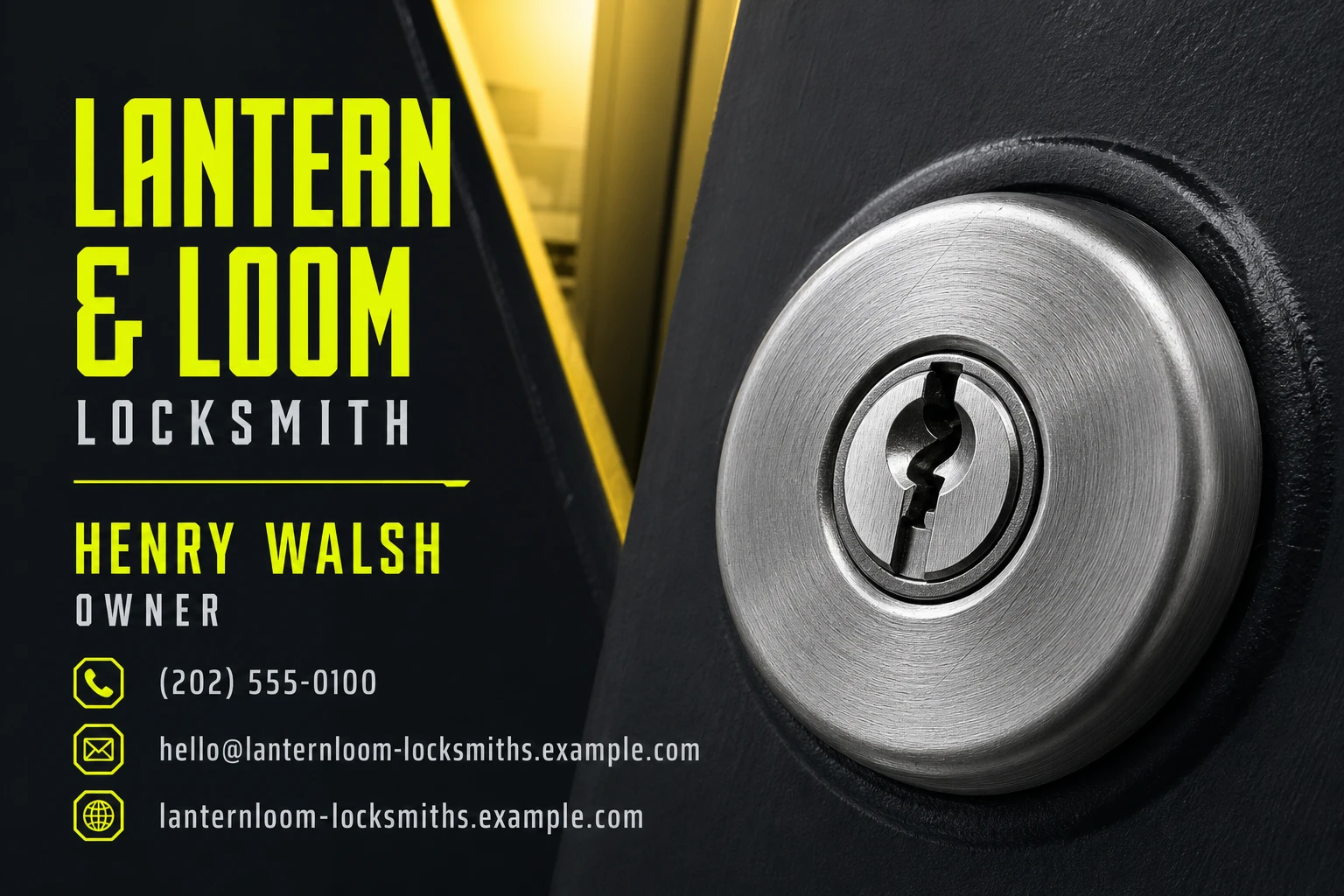
The Door Opens Tonight
An emergency locksmith card should feel like immediate relief, not a generic hardware advertisement. This direction turns the reassuring moment of a key engaging in a well-lit lock into an urgent, phone-first prompt for residents and business owners who need access now.
Prompt
Create a simple business card for a local locksmith, featuring rapid local call-out. Use yellow and charcoal in a clear, easy-to-edit layout that makes the finished result the main visual. Add a name, role, phone number, email, and website, and keep it a contact card rather than an ad.
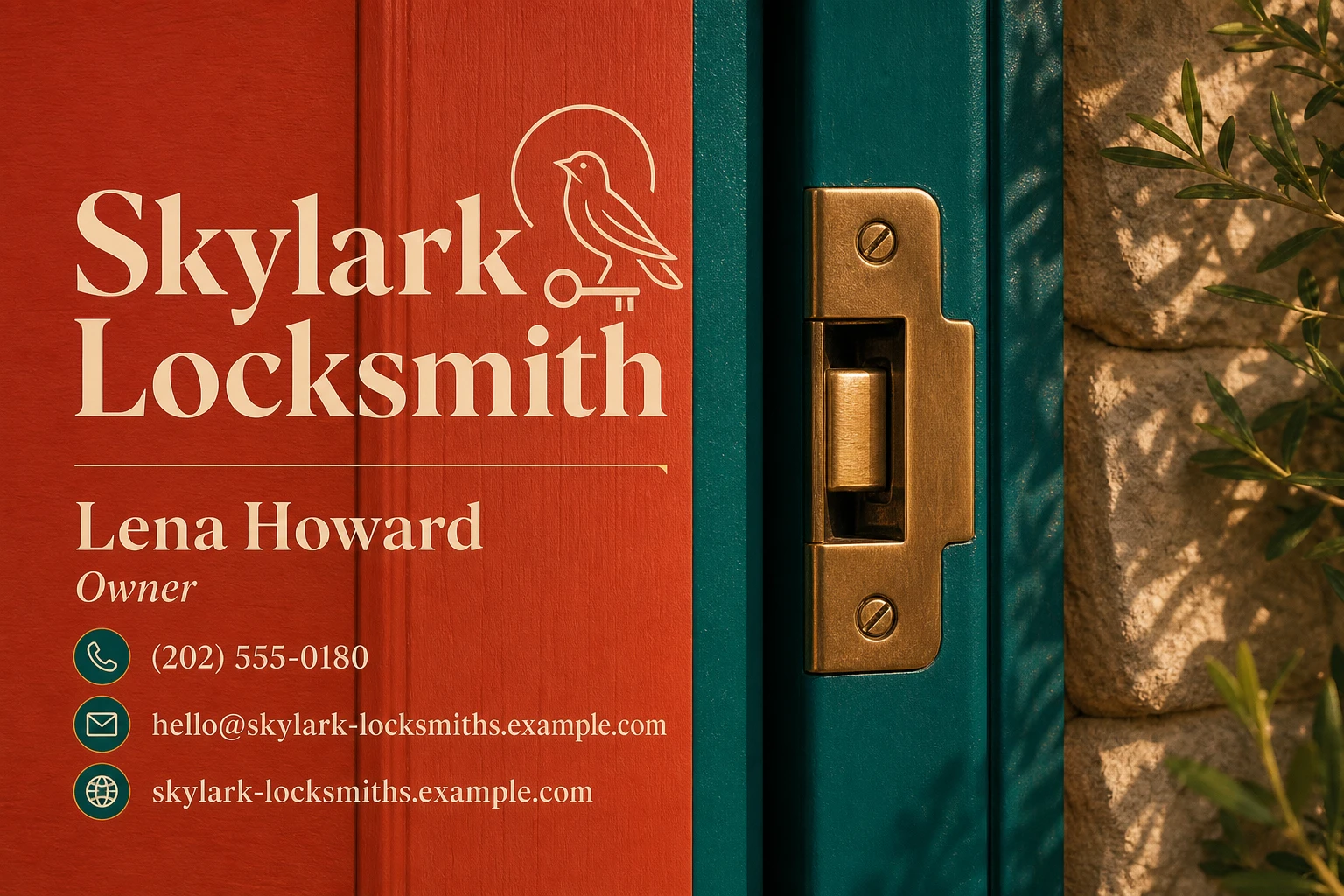
A Good Lock Has a Quiet Click
For non-emergency repair, replacement, and referral business, trust is built through the feeling of a home or premises being properly secured. This direction uses the calm material precision of a newly fitted latch and painted joinery to make dependable workmanship feel tangible and local.
Prompt
Create a simple business card for a local locksmith, featuring seasonal lock repair, replacement, and emergency access reminder. Use cream and red in a clear, easy-to-edit layout that makes the finished result the main visual. Add a name, role, phone number, email, and website, and keep it a contact card rather than an ad.
Interactive prompt builder
Build your own starting brief
Change the campaign details, copy the result, or send it directly to AI Marketing Designer.
Generated brief
Create a polished business card for a local locksmith. Campaign goal: generate enquiries for lock repair, replacement, and emergency access. Audience: local residents and businesses needing access help. Offer: rapid local call-out. Visual direction: high-contrast navy, metallic detail, and a professional locksmith. Include a strong headline, service area, availability, and identification policy and real contact and service-area details, and one clear call to action. Format: 3.5 × 2 in. Keep all text readable and leave room for real business details.
Copy ideas
Headlines and calls to action
A better way to enquiries for lock repair, replacement, and emergency access
Rapid local call-out — made simple
Local locksmith, clear next step
Seasonal lock repair, replacement, and emergency access reminder for new local customers comparing lock repair, replacement, and emergency access
Quality checklist
Mistakes to avoid
- !Using generic imagery or vague claims instead of showing service area, availability, and identification policy and one focused offer.
- !Trying to speak to every possible audience instead of prioritising local residents and businesses needing access help.
- !Using decorative elements that compete with service area, availability, and identification policy and the main call to action.
- !Publishing placeholder contact information or an offer without clear terms.