
Photographer social posts and design ideas
Photographer marketing should make professional photography sessions easy to understand, credible, and simple to act on for families, couples, brands, and event organisers. This guide combines practical campaign planning with editable prompt recipes and visual examples, so you can move from an idea to a usable social post without starting from a blank canvas.
Marketing analysis
What the design needs to achieve
Help families, couples, brands, and event organisers understand professional photography sessions, trust the business, and take one clear next step. For photography businesses, the strongest campaigns focus on generate enquiries for professional photography sessions, promote seasonal session booking, build recognisable local trust. The design should help families, couples, brands, and event organisers, new local customers comparing professional photography sessions, past customers ready to return or refer understand the offer, recognise why the business is credible, and take the next step without searching for essential details.
- ✓real portfolio work and clear usage expectations
- ✓real contact and service-area details
- ✓truthful proof that matches the business
Why social posts
Use the format intentionally
Social post design is particularly useful here because it supports weekly promotions, before-and-after stories, new products, audience engagement. Prioritise one campaign goal, one visual hierarchy, and one response action. Recommended starting formats include 1080 × 1080 px, 1080 × 1350 px, 1080 × 1920 px, 1200 × 628 px.
Prompt → design examples
Campaign directions you can adapt
Each example connects a clear marketing goal to a structured prompt. Replace the sample offer and details with information that is true for your business.
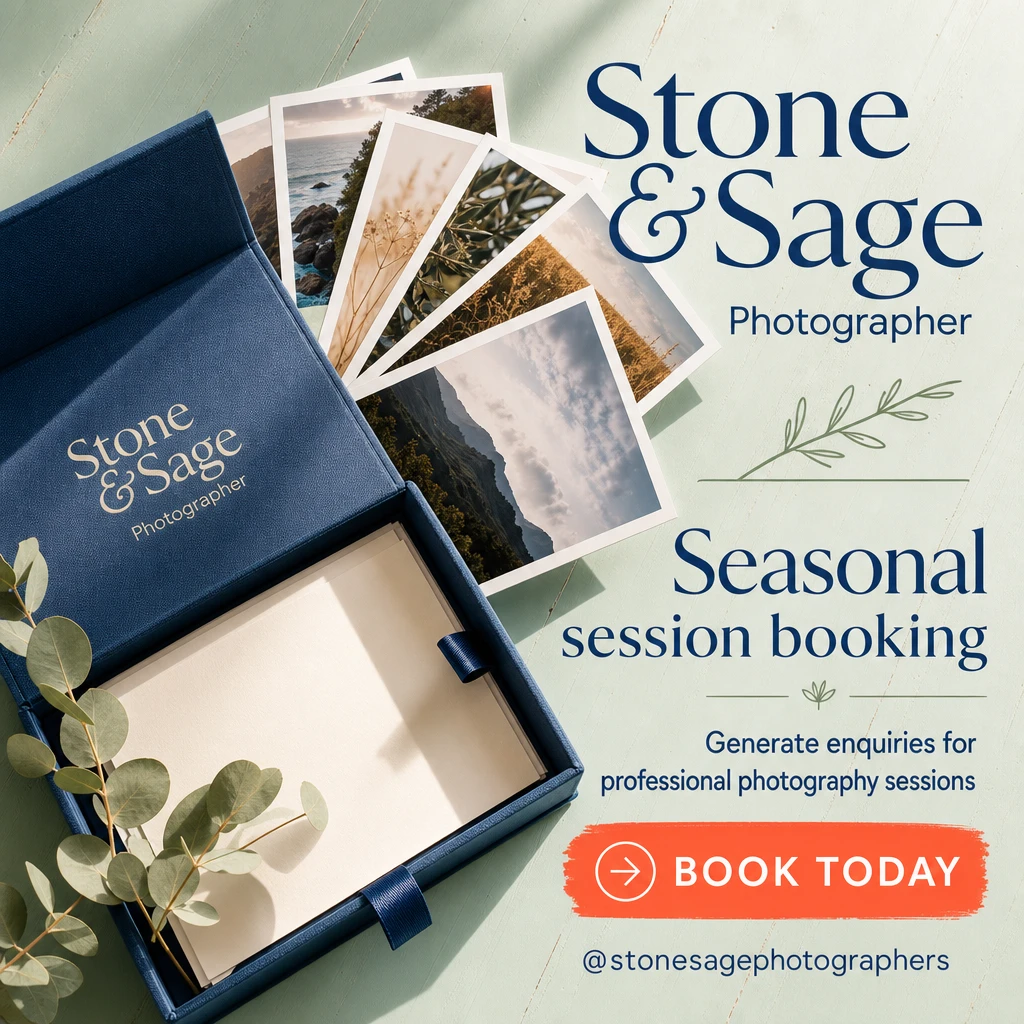
The Album Opens Before the Day Does
An offer-and-response-led seasonal booking post built around the tangible moment clients are actually buying: a set of photographs becoming a keepsake. Instead of depicting people, it makes the finished print object the hero—immediately communicating that this is professional photography with an outcome worth booking for.
Prompt
Create a simple social post for a local photographer, featuring seasonal session booking. Use light gray and navy blue in a clear, easy-to-edit layout that makes the finished result the main visual. Add a short headline, business name, social handle, and one clear call to action.
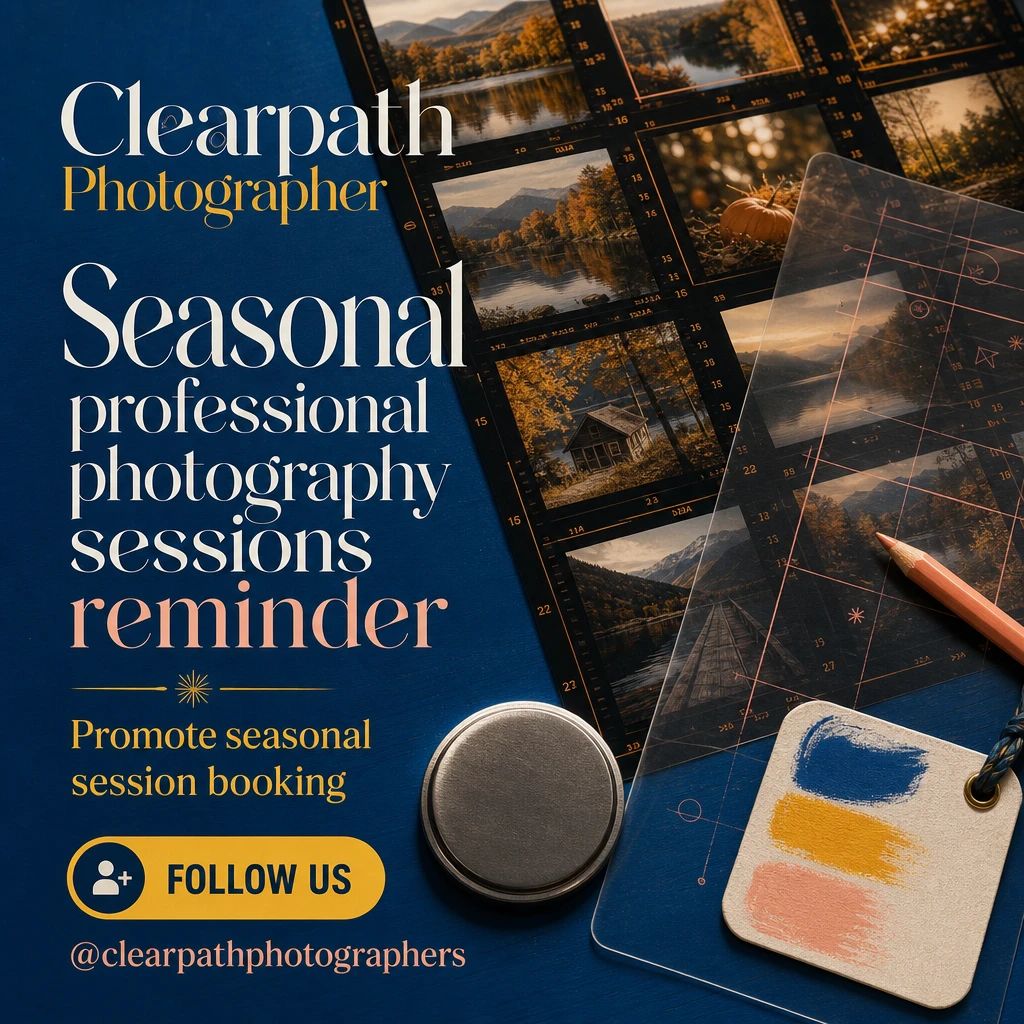
The Light Was Worth Keeping
A brand-and-trust-led post that positions the photographer as a careful observer with a coherent visual point of view. It creates recognition over time through a signature photographic still life of the studio's tools and proof of finished work, rather than pushing an immediate promotion.
Prompt
Create a simple social post for a local photographer, featuring seasonal professional photography sessions reminder. Use teal and yellow in a clear, easy-to-edit layout that makes the finished result the main visual. Add a short headline, business name, social handle, and one clear call to action.
Interactive prompt builder
Build your own starting brief
Change the campaign details, copy the result, or send it directly to AI Marketing Designer.
Generated brief
Create a polished social post for a local photographer. Campaign goal: generate enquiries for professional photography sessions. Audience: families, couples, brands, and event organisers. Offer: seasonal session booking. Visual direction: editorial photography, generous whitespace, and refined neutral colour. Include a strong headline, real portfolio work and clear usage expectations and real contact and service-area details, and one clear call to action. Format: 1080 × 1080 px. Keep all text readable and leave room for real business details.
Copy ideas
Headlines and calls to action
A better way to enquiries for professional photography sessions
Seasonal session booking — made simple
Local photographer, clear next step
Seasonal professional photography sessions reminder for new local customers comparing professional photography sessions
Quality checklist
Mistakes to avoid
- !Using generic imagery or vague claims instead of showing real portfolio work and clear usage expectations and one focused offer.
- !Trying to speak to every possible audience instead of prioritising families, couples, brands, and event organisers.
- !Using decorative elements that compete with real portfolio work and clear usage expectations and the main call to action.
- !Publishing placeholder contact information or an offer without clear terms.